



TokScript Chrome Extension
See What TikTok
Doesn't Show You.
One click pulls clean transcripts, hidden analytics, and HD downloads right inside your TikTok feed.
Install Chrome Extension Install Chrome Extension
Built For People Who Actually Study TikTok.
Three things TikTok's interface refuses to give you, built right into the feed where you already work.

Research Without Breaking Flow.
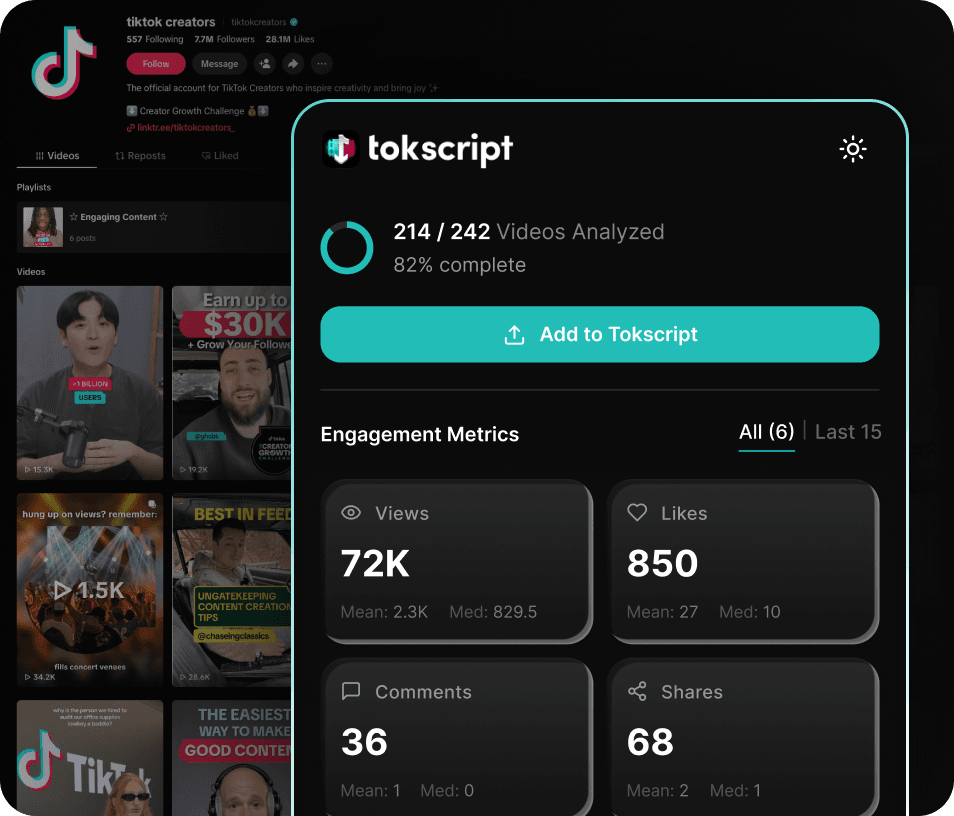
Stay on TikTok. Keep your scroll going. The transcripts, analytics, and downloads come to you, never the other way around.
See Data TikTok Hides.
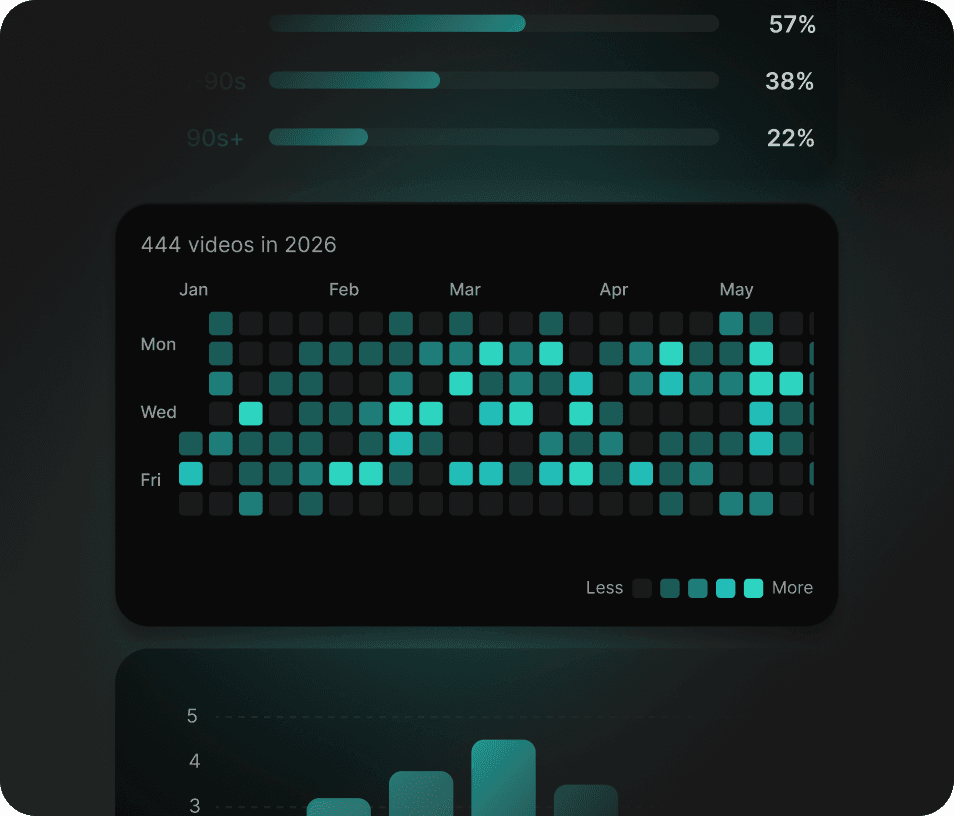
Real engagement rates. Posting patterns. Virality distribution. The metrics native analytics will never show you.
AI-Ready, Instantly.
Every transcript exports clean and timestamped, ready to drop straight into Claude or ChatGPT and skip the formatting tax.
See What TikTok Won't Show You.
The metrics native analytics will never surface: engagement, virality, and posting patterns, pulled live on every profile you visit.
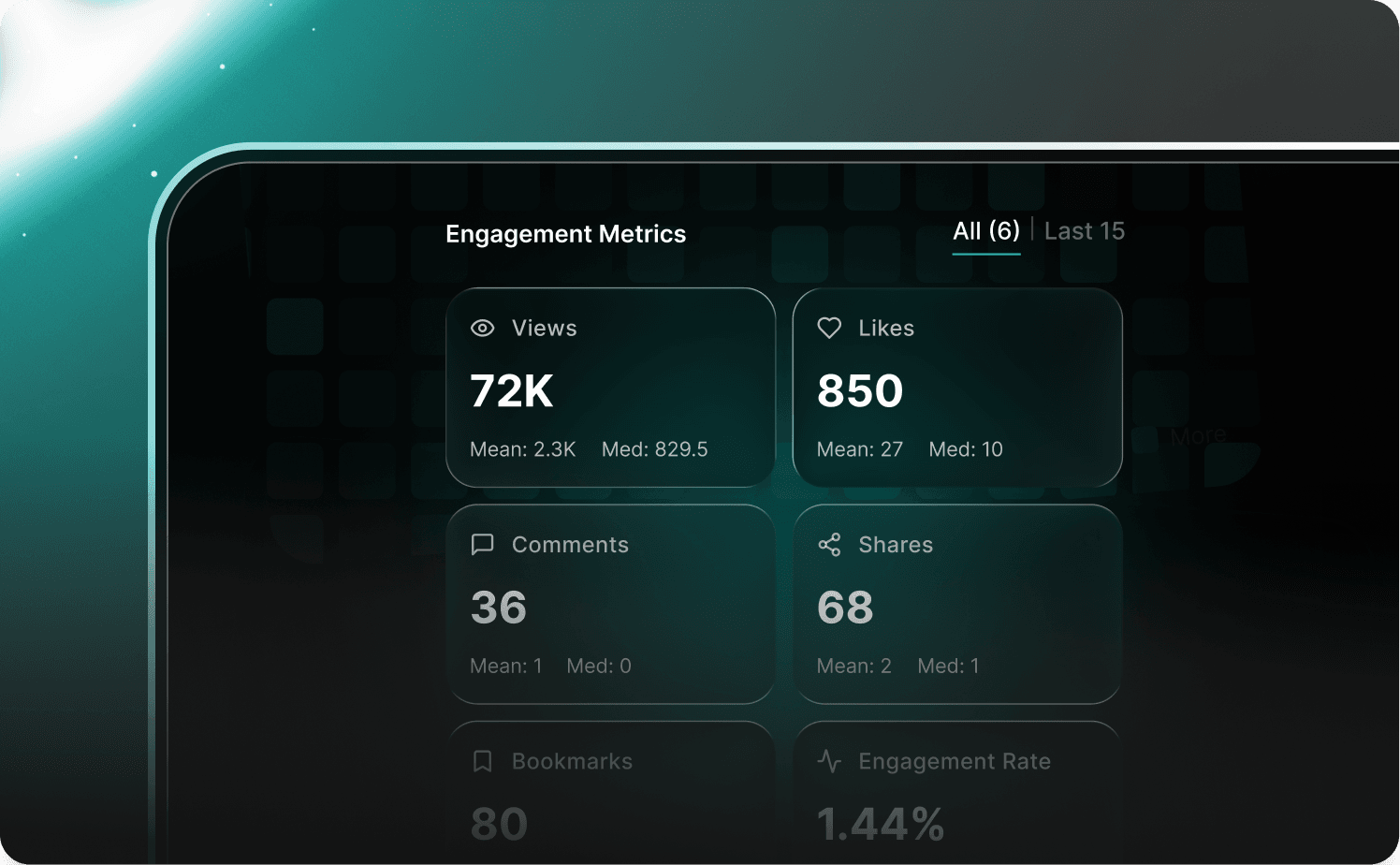
Real Engagement Metrics
Skip the inflated follower counts. See actual engagement broken down across views, likes, comments, shares, and bookmarks with mean and median for every metric.
- Mean and median for every metric
- Real engagement rate, not a guess
- Toggle between full library or last 15 videos
- Live on every creator profile
The Posting Playbook
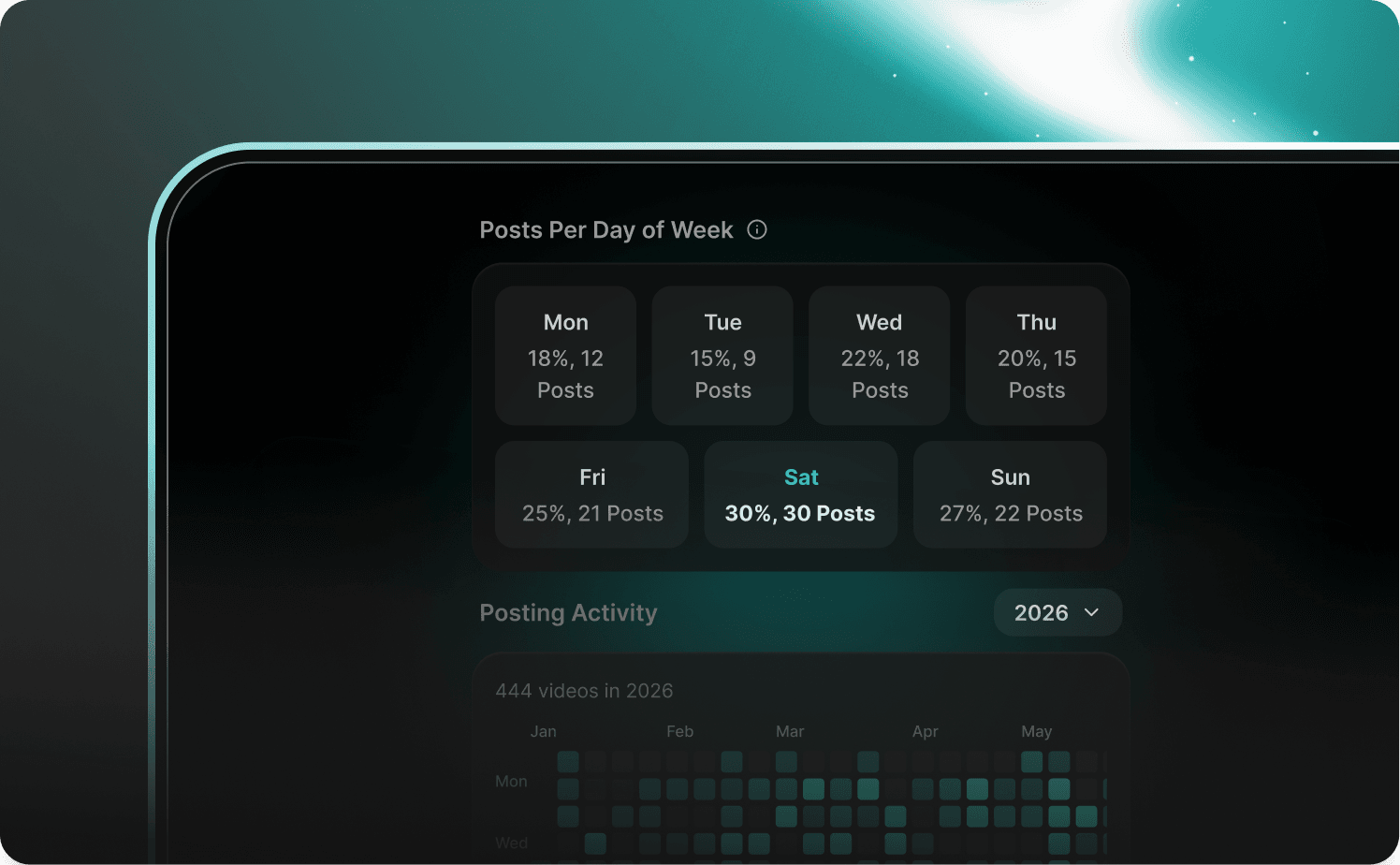
Reverse-engineer any creator's growth. See exactly when they post, how often, and which days drive their results with a full-year heatmap to track patterns over time.
- Posts per day of the week, ranked
- Daily posting frequency chart
- Full-year posting heatmap with history
- Spot the patterns that correlate with growth
Format & Duration Intelligence
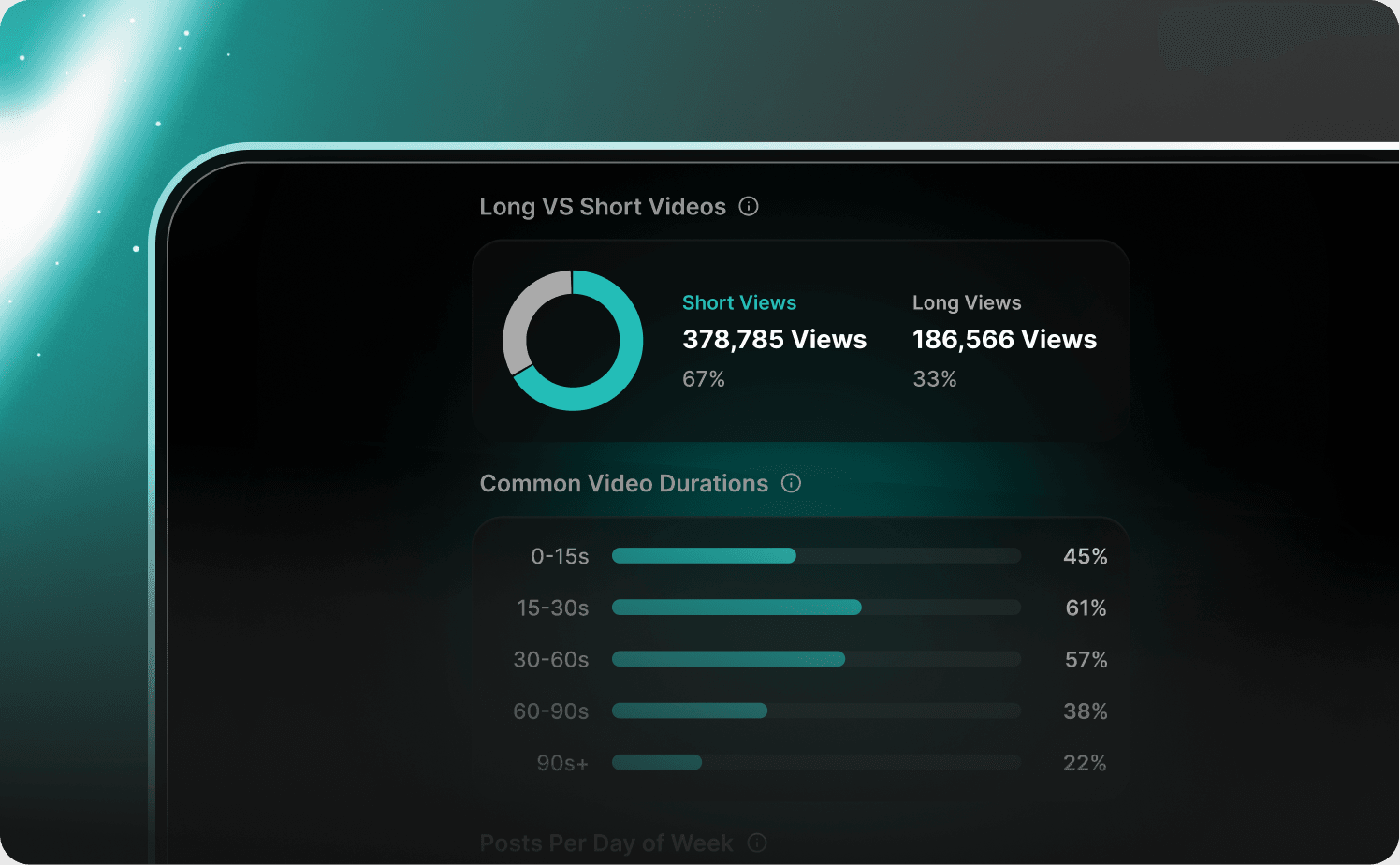
Understand the format strategy behind every creator. See the long-versus-short split and the exact video durations that cluster at a glance.
- Long vs Short percentage breakdown
- 5 duration buckets (0-15s through 90s+)
- Spot the format sweet spot for any niche
- Critical for building your own format strategy
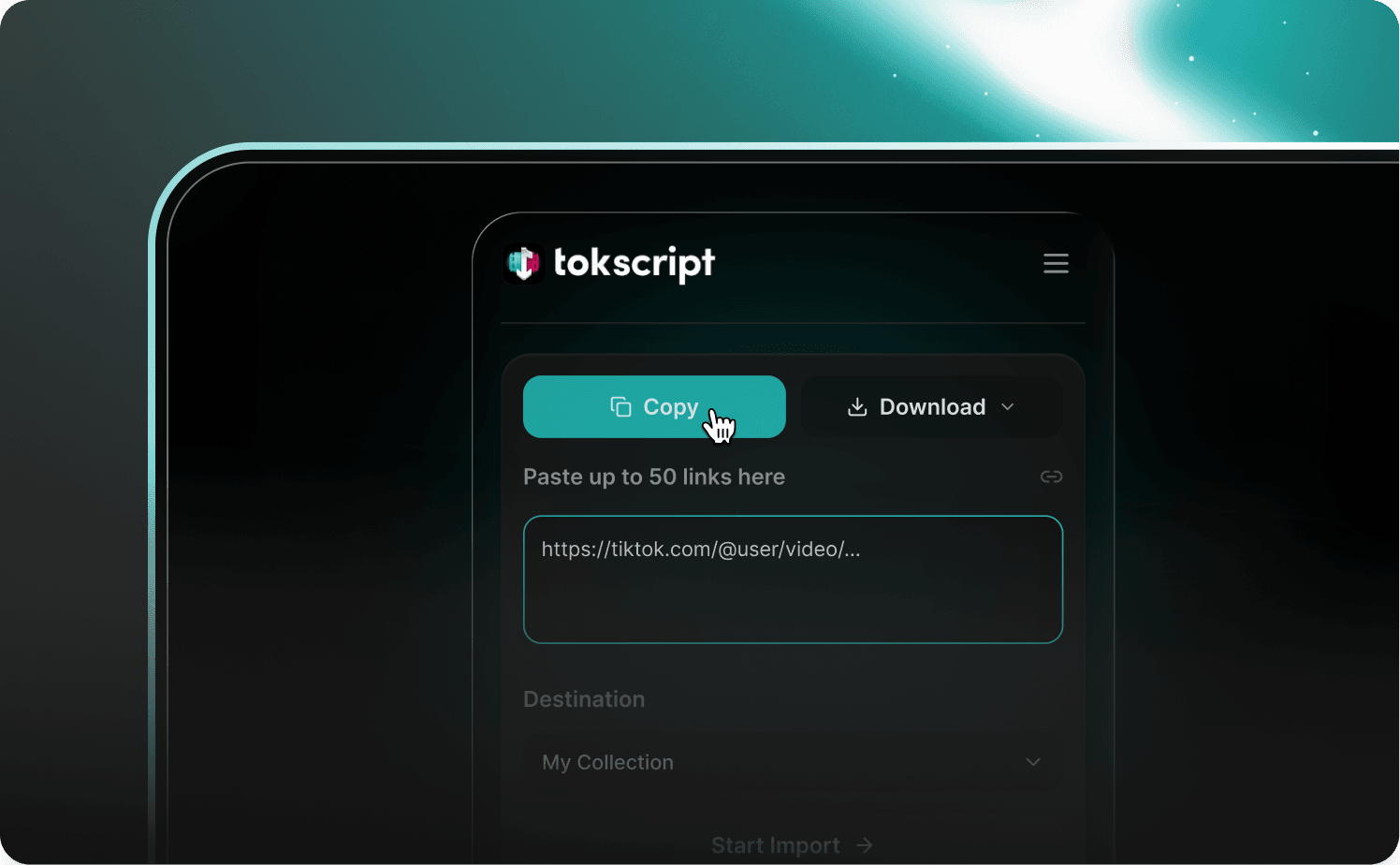
Built For Bulk Research
Copy any TikTok transcript to your clipboard, download HD videos without watermarks, and save cover images in original quality, all from the same panel. Or paste up to 50 TikTok links at once and drop them straight into a folder of your choice.
- One-click transcript, HD video, and cover image
- Up to 50 TikTok links per bulk paste
- One collection link pulls every video inside
- Transcripts land straight in your dashboard
Where Your Research Actually Comes Together.
Everything you collect on TikTok flows into your TokScript dashboard. Transcripts, videos, profiles, and stats all in one place.


Who Actually Uses TokScript.
The people who study TikTok like a science, and need the data to back it up.

Brand Marketers
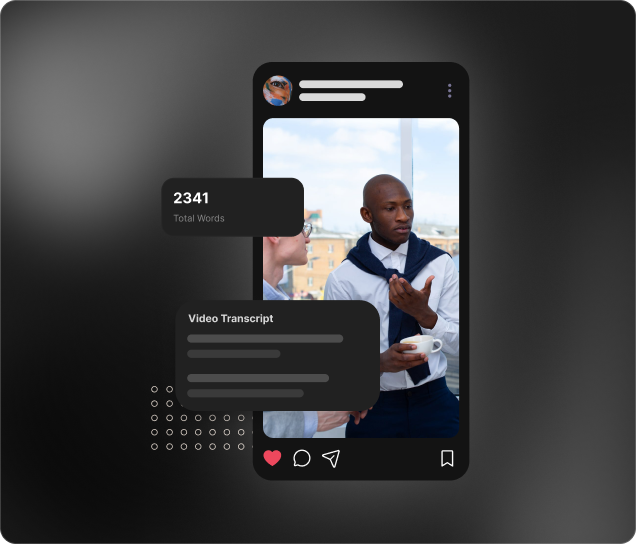
Competitive intelligence through precise transcript and messaging analysis.
Researchers
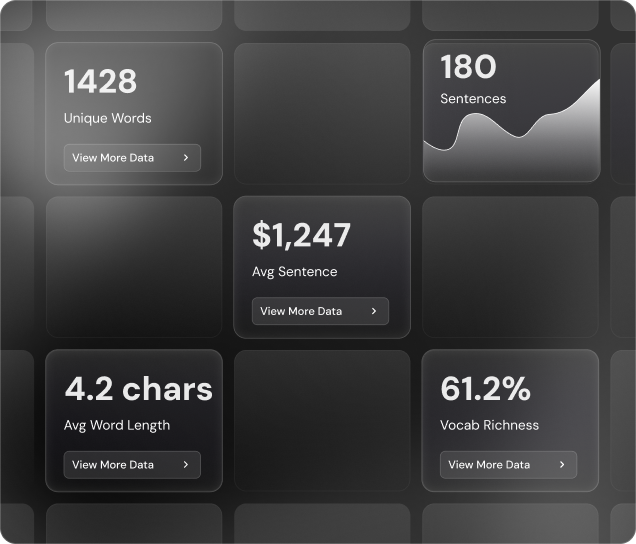
Large-scale data extraction to identify patterns and emerging tropes.
UGC Marketplaces
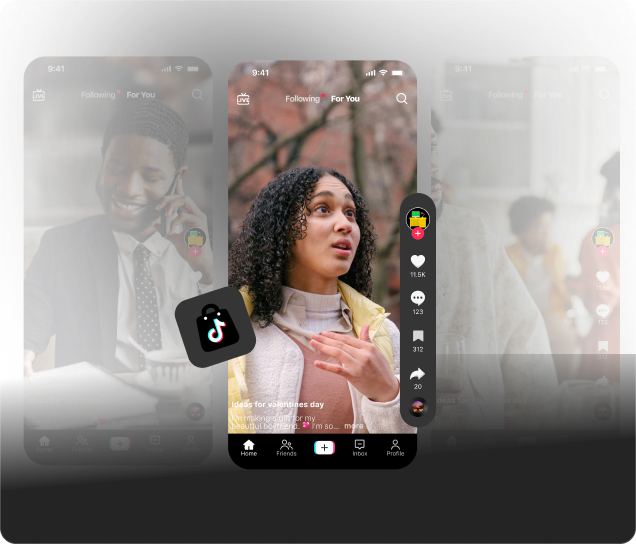
Provide your creator network with high-performing templates from real-time data.
Solo Creator
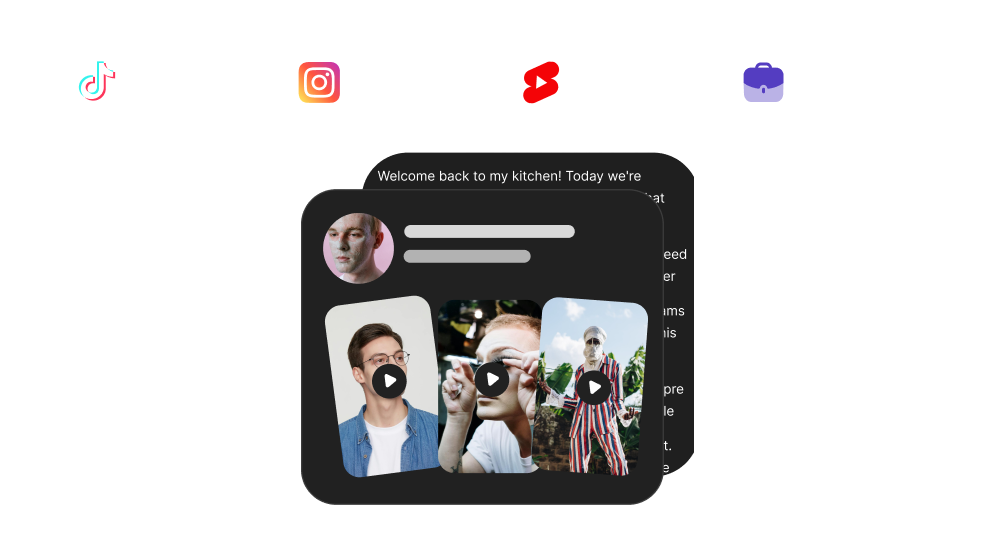
Instant conversion from viral trends to structured, actionable scripts.
Agencies
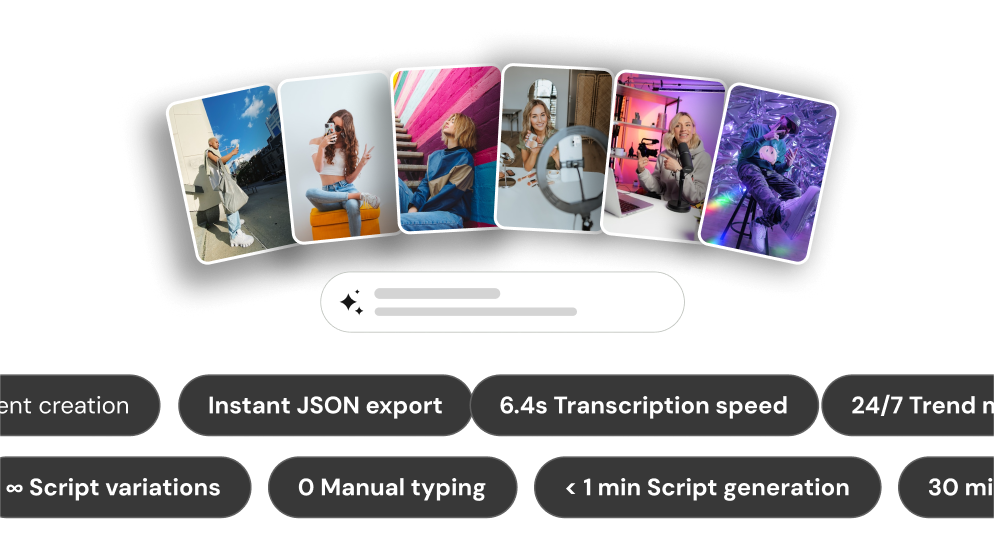
Automating high-performing script templates for creator rosters.
71,900+ Users Have Processed More Than 2,600,000 Videos So Far
What People Are Saying.
Creators, marketers, and researchers using TokScript to turn TikTok scrolling into structured insight.
“I'm a small business owner trying to build my brand, and I'm still pretty new to the content creation side of things. TokScript has been super beginner-friendly and really helpful for getting my social media presence going. It helps with brainstorming ideas and has helped me stay more consistent with posting. Definitely recommend for anyone trying to grow online without feeling lost!”

“Huge time saver for any business owner or content creator that wants to reverse engineer viral content and turn their saved folders into actionable data instead of collecting dust.”

“Top notch workflow tool to speed up content creation! highly recommend this extension.”
“You need this if you're a content creator... I use TokScript for trend research and the Chrome extension makes it stupid simple. Browse TikTok like normal, scroll the profiles you want to study, and it quietly pulls data in the background... engagement rates, posting frequency, best days to post. Stuff TikTok literally hides from you. When I find videos worth dissecting, I add them straight to my dashboard and let the AI Agents do their thing.”

“This extension is a great tool for Tiktok content creators. You can use it to analyze any account in your niche, and see exactly which videos worked best for those accounts. It's a big time saver that will allow you to avoid guesswork and quickly determine what sort of content is likely to work for you based on real data.”

“This is the best time saving and strategy tool for content creators i've ever used, I'll be having everyone in my agency that's doing content using. Well done, this is so valuable as a creator. Thanks so much!”

“Great tool to be able to see the analytics of other successful creators easily and being able to capture their scripts to make it our own.”

“I love a tool that does EXACTLY what it says it will do! And that's this one right here! No more confusion just clarity. Good Stuff!”

“Absolute must-have for creators, editors, and copywriters. If you want to understand why a script works, not just what was said, but how it was built. This tool does the heavy lifting. 10 outta 10 recommend”
“This extension is a straight-up cheat code for content creators. Grabs transcripts in seconds, breaks down exactly what's working in a piece of content, and just works... If you're creating content, analyzing competitors, or trying to understand why certain videos perform, this is the tool you need in your stack. Stop sleeping on it.”

“One of the best extensions I have used so far. It provides a lot of useful data about each profile, which helps you understand what works and gives you an advantage in making your videos go viral on TikTok, YouTube, and Instagram.”
“I run creator campaigns for TikTok Shop brands and I was juggling six different tabs and paying way too much for tools that made me leave TikTok just to get basic data. TokScript replaced all of that. Transcripts in one click, real time analytics on any profile, keyword research built right in. Being able to pull transcripts, sort by engagement, and vet creators without leaving TikTok saves me hours every week. If you manage creators or run a TikTok Shop agency, this is a no brainer.”

“I love how Tokscript simplifies my workflow. Being able to grab a full TikTok transcript with just one click is a game-changer while i am doing content research. The interface is clean, and the MCP feature makes it a lot easier to use with my claude. Highly recommended for any creator!”

“As a full time creator, this tool actually saves so much time is ridiculous!”

TokScript Chrome Extension: Frequently Asked Questions
Everything you need to know about the TokScript Chrome Extension.
Still Have Questions?
Visit Help Center4.2★ On The Chrome Web Store 1.8K+ Creators
Stop Typing Transcripts. Stop Tab-Hopping. Start Actually Researching.
Install TokScript and turn every TikTok scroll into a research session.