How It Works

How to Transcribe YouTube Videos

TokScript lets you generate a YouTube transcript in three steps. No extensions, no software, and no YouTube account required.

Step 01

Copy the YouTube Video or Shorts Link

Copy the YouTube Video or Shorts Link

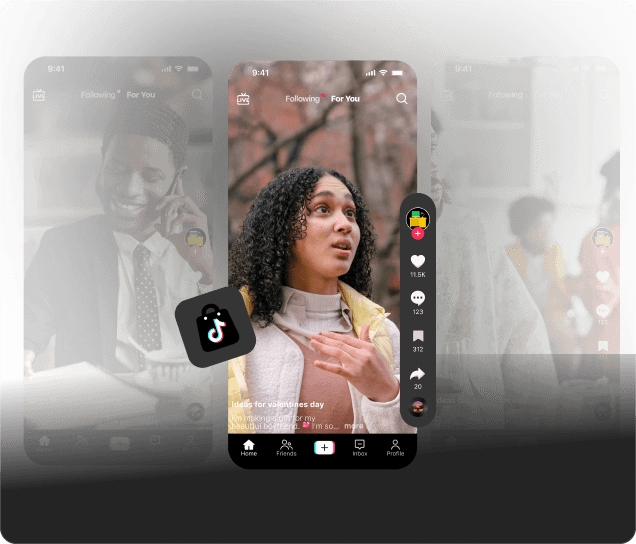
Open the YouTube video or Short you want to transcribe. On mobile, tap Share then Copy Link. On desktop, right-click the video or copy the URL directly from your browser’s address bar.

Step 02

Paste the Link into TokScript

Paste the Link into TokScript

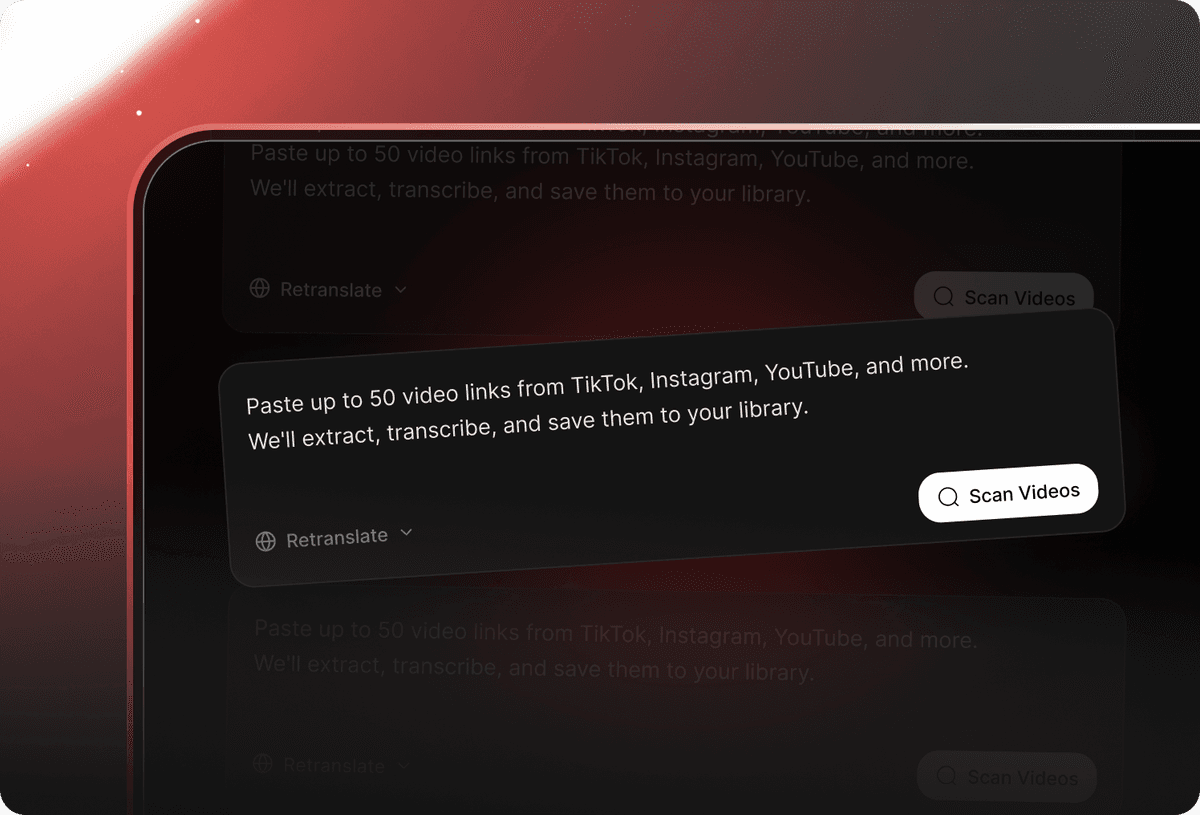
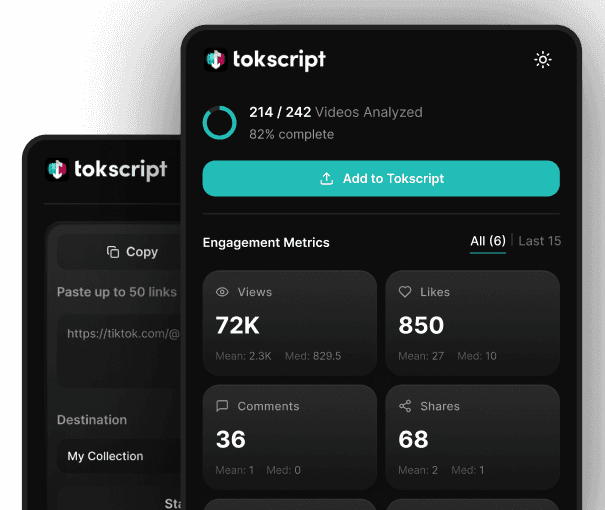
Come back to this page and paste your YouTube link into the input field above. Need to generate transcripts in bulk? Paste up to 50 YouTube video links at once.

Step 03

Download Your YouTube Transcript

Download Your YouTube Transcript

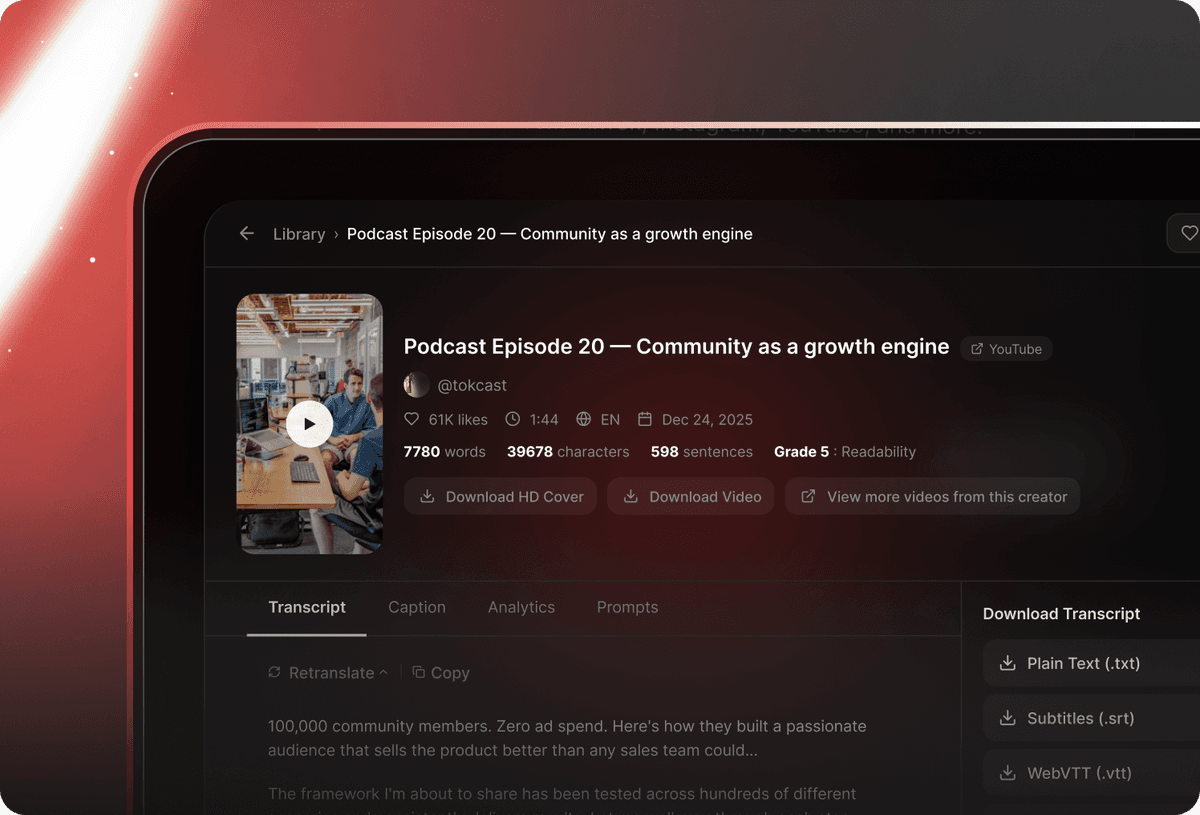
Click “Generate Transcript” and your full text is ready in seconds. Download as TXT, PDF, or XML, or feed your transcript directly into ChatGPT, Claude, or Gemini.

New · TokScript MCP

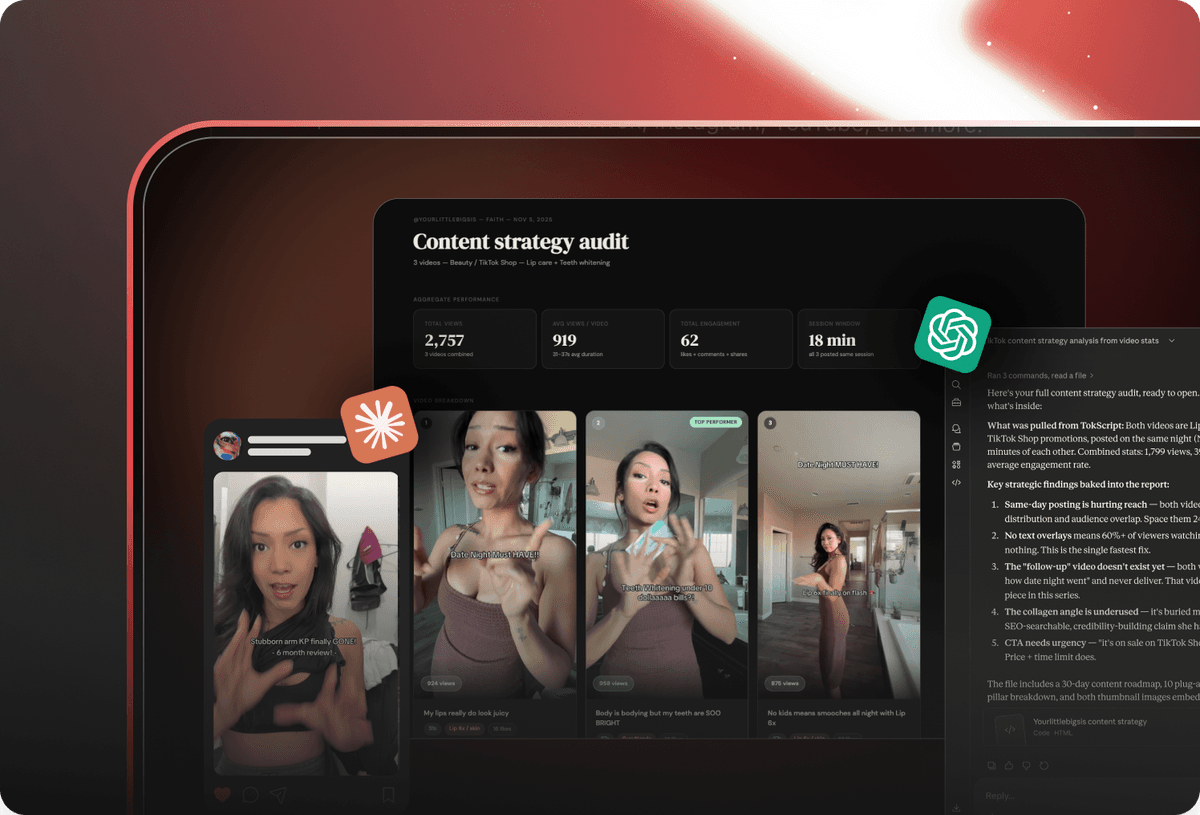
Add TikTok, Instagram, YouTube inside Claude & ChatGPT.

Analyze any profile and video, get instant results. Pull transcripts, download videos, analyze creator profiles, all inside of your chat.

Try it Free Today
Built For YouTube

YouTube Shorts Transcript Generator

2.6M+ videos processed. Built specifically for YouTube Shorts transcripts, not a generic transcription tool that treats every video the same. Convert any public YouTube Short into clean, accurate text in seconds. Paste the YouTube link, get the full transcript, and put it to work: repurpose into scripts, research competitor YouTube Shorts, fuel AI workflows, or create captions without replaying a single video.

Bulk YouTube Transcript Generation

Stop processing videos one at a time. Paste up to 50 YouTube video links at once and generate every transcript in a single batch.

  • Process up to 50 YouTube video links in one batch
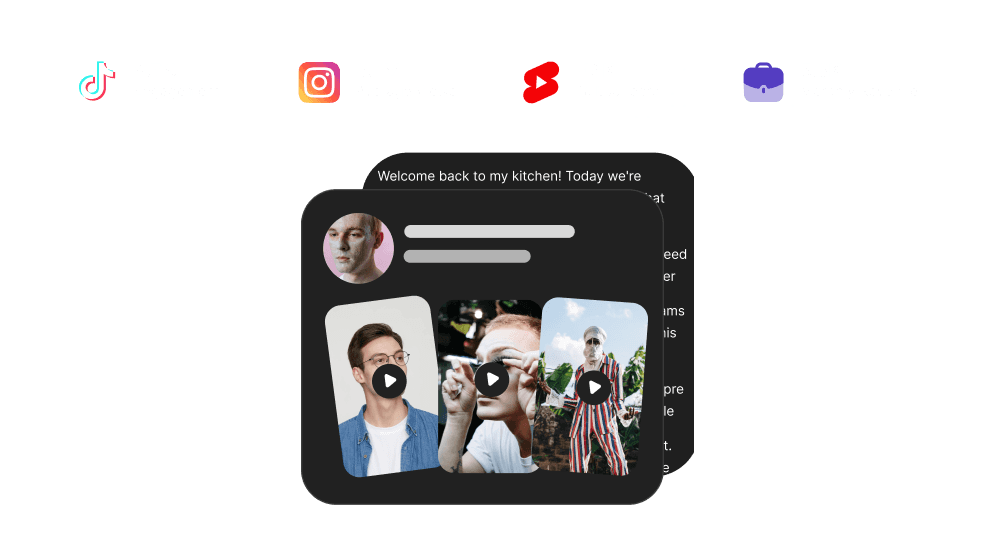
  • Mix YouTube, TikTok, and Instagram Reels in a single import
  • Download all transcripts at once or select individual results
  • Switch between bulk mode and single-video transcript generation
Try Bulk Import
Bulk transcript processing interface showing multiple YouTube video URLs being imported

Cloud Library and Transcript History

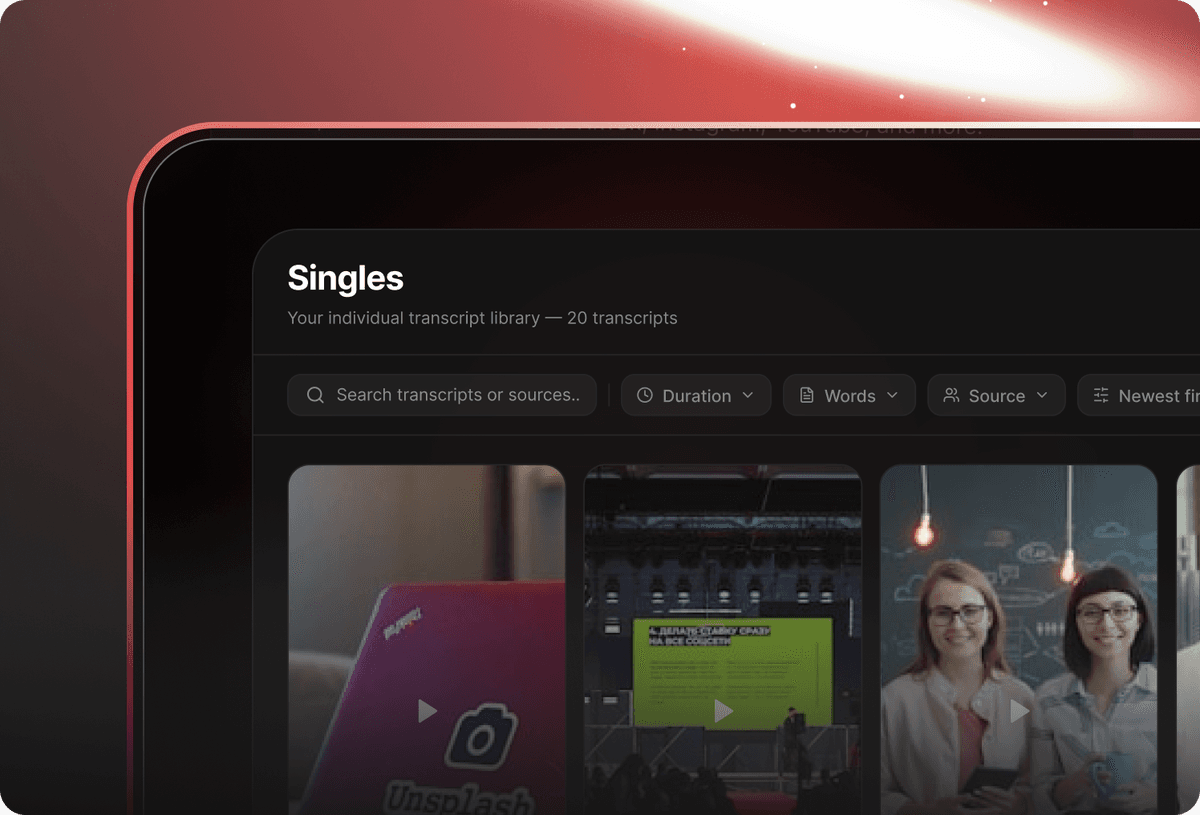
Every YouTube transcript you generate is saved automatically to your TokScript cloud library. Access your full transcript history from any device.

  • All YouTube transcripts auto-saved to the cloud
  • Access your full library from any browser or device
  • Organize transcripts into folders by channel, topic, or project
  • Re-download any past transcript in TXT, PDF, or XML
Create Free Account
Cloud transcript library with saved YouTube transcripts organized by date

YouTube Video to Text — Multiple Export Formats

Once TokScript converts your YouTube video to text, you choose how to use it. Export as TXT, XML, or formatted PDF.

  • TXT for copy-paste into any document or AI tool
  • PDF for formatted, shareable transcripts
  • XML for structured subtitle and developer use
  • One-click download from your transcript history
Create Free Account
Transcript export panel showing TXT, PDF, and XML download options

Translate YouTube Transcripts into 11+ Languages

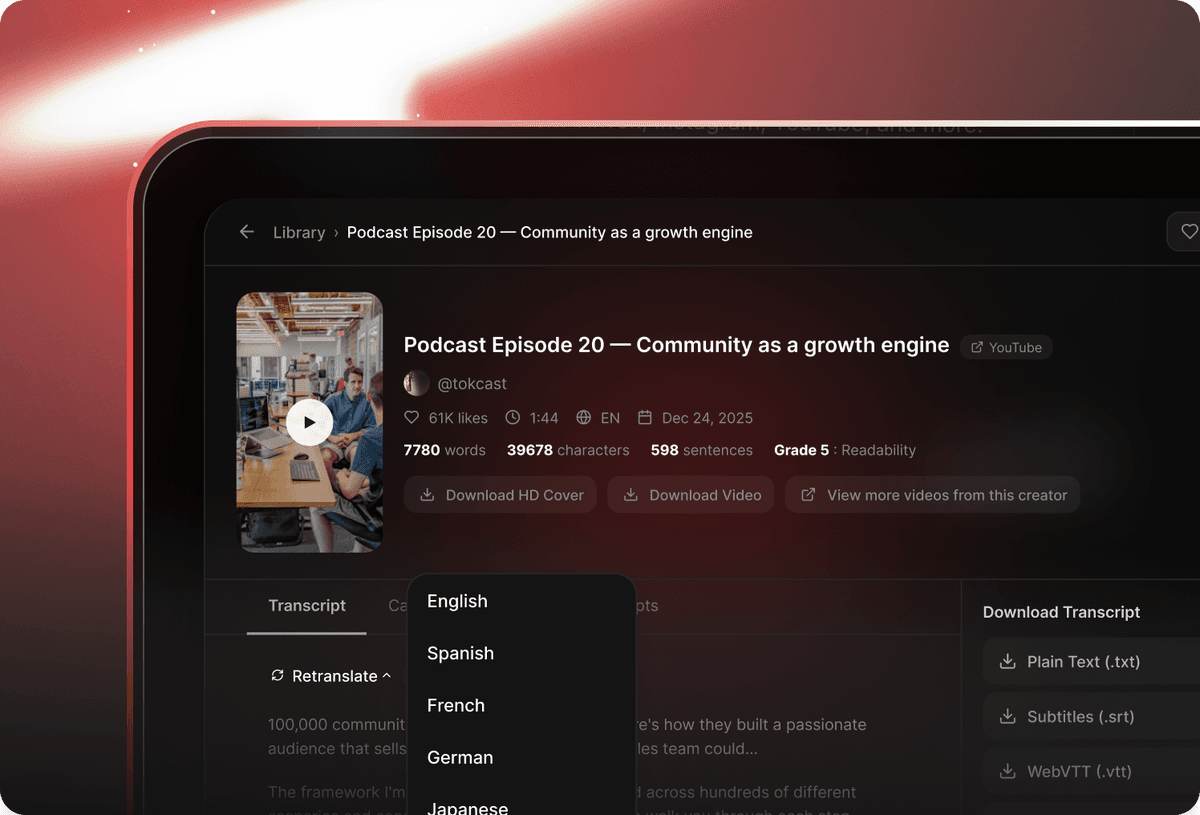
Select a target language before scanning and TokScript delivers your YouTube transcript already translated.

  • 11+ languages supported on paid plans
  • Most popular languages available on the free plan
  • Translation delivered with the transcript, not after
  • Combine transcript generation and translation in a single step
Choose Your Plan
Translation interface with language selection options

Quick URL Method — Transcript in One Step

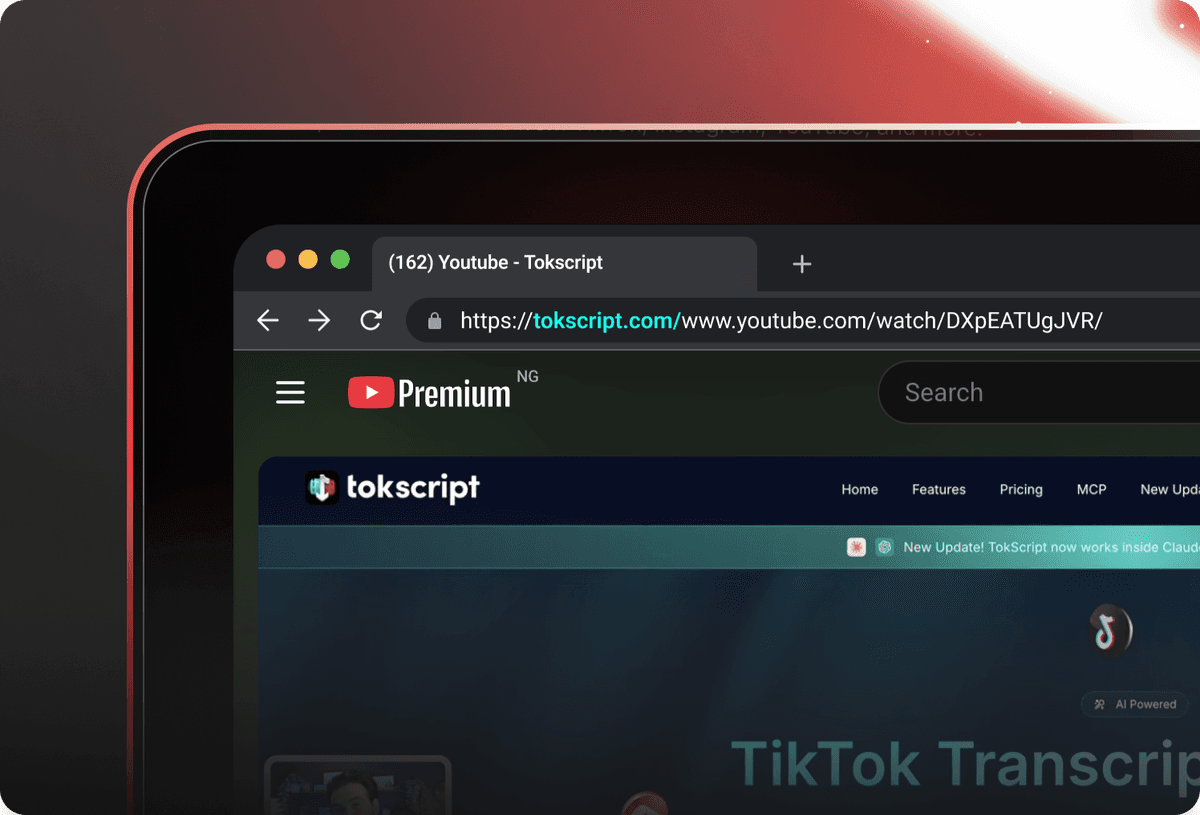
Add tokscript.com/ before any YouTube video URL in your browser address bar and hit Enter. TokScript auto-processes the link and delivers your transcript instantly.

  • Add tokscript.com/ before any YouTube URL for instant transcription
  • No need to visit the main site or log in
  • Works for YouTube Shorts, standard videos, TikTok, and Reels
  • Zero extra steps: transcript delivered immediately
Try URL Shortcut
Quick URL method showing paste-and-process transcript extraction

AI Agents for YouTube Creators

Three AI agents trained specifically on short-form video performance data. Feed any YouTube transcript in and get tools no other transcript generator offers.

  • Viral Hook Generator: 20+ opening hooks engineered to retain viewers past the first 3 seconds.
  • Viral Script Writer: Generate a brand-new script that preserves the structure and psychology that made it work.
  • Virality Explainer: Full breakdown of why a specific YouTube Short went viral.
Try AI Agents
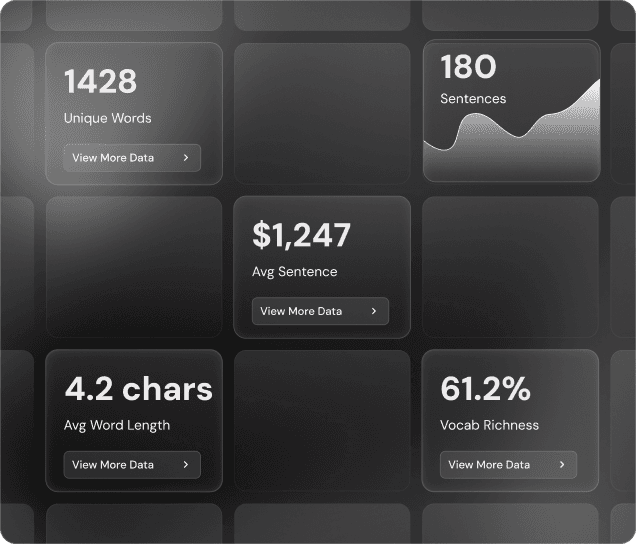
AI-powered dashboard showing transcript analysis and viral hook suggestions
Decorative background
Who It's For

Who Uses TokScript's YouTube Transcript Generator

From educators to creators to ad analysts: TokScript turns YouTube videos and Shorts into the text every workflow needs.

Decorative background

Content Creators

Content Creators using TokScript

Generate transcripts from your own YouTube videos to repurpose into blog posts, newsletters, captions, and scripts. Feed transcripts into AI to speed up your full content workflow.

Decorative background

Educators & Researchers

Educators & Researchers using TokScript

Convert lectures, tutorials, and documentaries into searchable text. Build a reference library, create study notes, or analyze what top creators are saying.

Decorative background

Marketers & Ad Analysts

Marketers & Ad Analysts using TokScript

Studying competitor Shorts or analyzing ad scripts? Transcribe any YouTube ad, extract the copy, and inform your own creative strategy in seconds.

Decorative background

AI & Automation Users

AI & Automation Users using TokScript

Pull any YouTube transcript and feed it directly to ChatGPT, Claude, Gemini, or any AI workflow. The fastest way to get clean YouTube text into any AI pipeline.

Decorative background

UGC Creators & Influencers

UGC Creators & Influencers using TokScript

Stop replaying Shorts trying to catch every line. Download the transcript, read it in full, and rewrite it in your voice with our AI agents.

Don't have an account?

Sign Up Today
Pricing

Find the plan that fits your content workflow

Start free, upgrade when you're ready. Every plan includes Claude and ChatGPT integration, Chrome extension, and full transcript downloads.

Free
Forever

For Trying The Basics

$0forever
No Credit Card Needed
Monthly
Flexible

Full power, flexible billing

$10per month
Annual Saves $81
AI Features

Try our latest AI features

Five purpose-built tools that turn any video into shareable, viral-ready content.

Save cover image
Save cover image

Download HD cover images

Download HD video
Download HD video

No watermarks, full quality

Generate Viral Hooks

Create viral hooks instantly

Rewrite scripts
Rewrite scripts

Turn transcripts to viral videos

Analyze Virality
Analyze Virality

Learn why video went viral

Enhance Your Experience with Our Chrome Extension

TokScript Chrome extension icon Add to Chrome
TokScript Chrome extension showing one-click transcript extraction on a TikTok video
Randy Stover — TokScript creatorHeather Davis — TokScript creatorAdrian Boysel — TokScript creatorDaniel McClellan — TokScript creator71.9K+

Over 71.9K+ creators and teams power their workflow with TokScript

Run TokScript Right Inside Your AI

TokScript MCP plugs every transcript, video download, and creator insight straight into Claude and ChatGPT — so creators can research, script, and ship without ever leaving the conversation.

Set up MCP
FAQ

YouTube Transcript Generator: Frequently Asked Questions

Everything you need to know about transcribing YouTube videos with TokScript.

TokScript is a free YouTube transcript generator that works directly from any YouTube URL with no software, no login, and no file upload. It supports YouTube Shorts, standard videos, and bulk processing of up to 50 links at once.

Copy the YouTube video URL, paste it into TokScript, and click "Generate Transcript." Your full YouTube transcript is ready in seconds and available to download as TXT, PDF, or XML.

Use TokScript's free YouTube to text converter. Paste any YouTube link into the tool above, click scan, and download the full transcript at no cost. Free accounts include 5 transcripts per day.

Yes. TokScript transcribes YouTube Shorts, standard YouTube videos, and longer content. Free plans support shorter videos, while paid plans unlock transcription for videos of any length.

Yes. TokScript supports bulk transcript generation. Paste up to 50 YouTube video links at once and get every transcript processed in a single batch.

TokScript exports YouTube transcripts in TXT (plain text), PDF (formatted document), and XML (structured data for subtitles or developer use).

Yes. Select your target language before scanning and TokScript delivers the translated transcript alongside the original. 11+ languages are supported on paid plans, with the most popular languages available on the free plan.

No. You only need the YouTube video URL. No YouTube login, no TokScript account for free usage, and no software installation required.

TokScript uses a dual-verification system, pulling YouTube's native caption data and cross-referencing it with an independent AI transcription layer to maximize accuracy across all video types.

Yes. Export your YouTube transcript as TXT and paste it directly into ChatGPT, Claude, Gemini, or any other AI tool. TokScript also has built-in AI agents for hook generation, script rewriting, and virality analysis.

Yes. Unlisted YouTube videos are accessible to anyone with the link, so TokScript can pull the transcript as long as you have the URL.

YouTube's built-in captions are view-only and cannot be downloaded as a file. TokScript extracts the full transcript from any YouTube video and lets you download it as TXT, PDF, or XML instantly. No YouTube account needed.

TokScript uses a dual-verification system that combines YouTube's native caption data with an independent AI speech layer, making it one of the most accurate free YouTube transcript generators available online.

Still have questions?

Visit Help Center

Ready to Convert Your YouTube Short?

Paste a Shorts link. Get every spoken word back in text. Free.

Choose Your Plan

About TokScript: Free YouTube Shorts Transcript Generator

TokScript was built around one idea: the spoken word inside YouTube Shorts is content most people scroll past but never capture. Creators film, viewers watch, and the script behind every high-performing Short disappears into the feed. We built TokScript to change that.

Paste a link to any public YouTube Short. The full transcript is ready in seconds. No software to install, no files to upload, no account required to start. Built for content creators, educators, marketers, and anyone who wants to turn Shorts into text they can read, search, and reuse.

71,900+ users trust TokScript as part of their daily workflow. Over 2.6 million videos processed and counted. TokScript also powers the leading Instagram Reel Transcript Generator and is the top choice for TikTok video transcription.

YouTube Ads Research

Studying YouTube Shorts ads or researching what competitors are running? Download the transcript from any Shorts ad to break down the hook, the pitch, and the call to action. Pull transcripts in bulk to compare messaging across multiple advertisers and spot the patterns worth applying to your own campaigns.

UGC Creator Workflows

Stop replaying the same Shorts trying to catch every word. Download the transcript, read through it, and pull the parts that work as a foundation for your next video. See exactly how top creators structure their Shorts: what phrases they lead with, how they build tension, and how they close.

AI-Powered Content Production

Pull any YouTube Shorts transcript and feed it straight into ChatGPT, Claude, Gemini, or whatever AI tool you use. Generate new video ideas, rewrite scripts for your audience, or analyze patterns across dozens of top-performing Shorts. TokScript's built-in AI agents also handle hook generation, script rewrites, and virality breakdowns, all from the dashboard.


LEGAL DISCLAIMER:

Tokscript is not affiliated with, endorsed by, or sponsored by Instagram, Meta, TikTok, TikTok USDS Joint Venture LLC, ByteDance, YouTube, or Google. All trademarks belong to their respective owners.